
AppleShortcuts
-
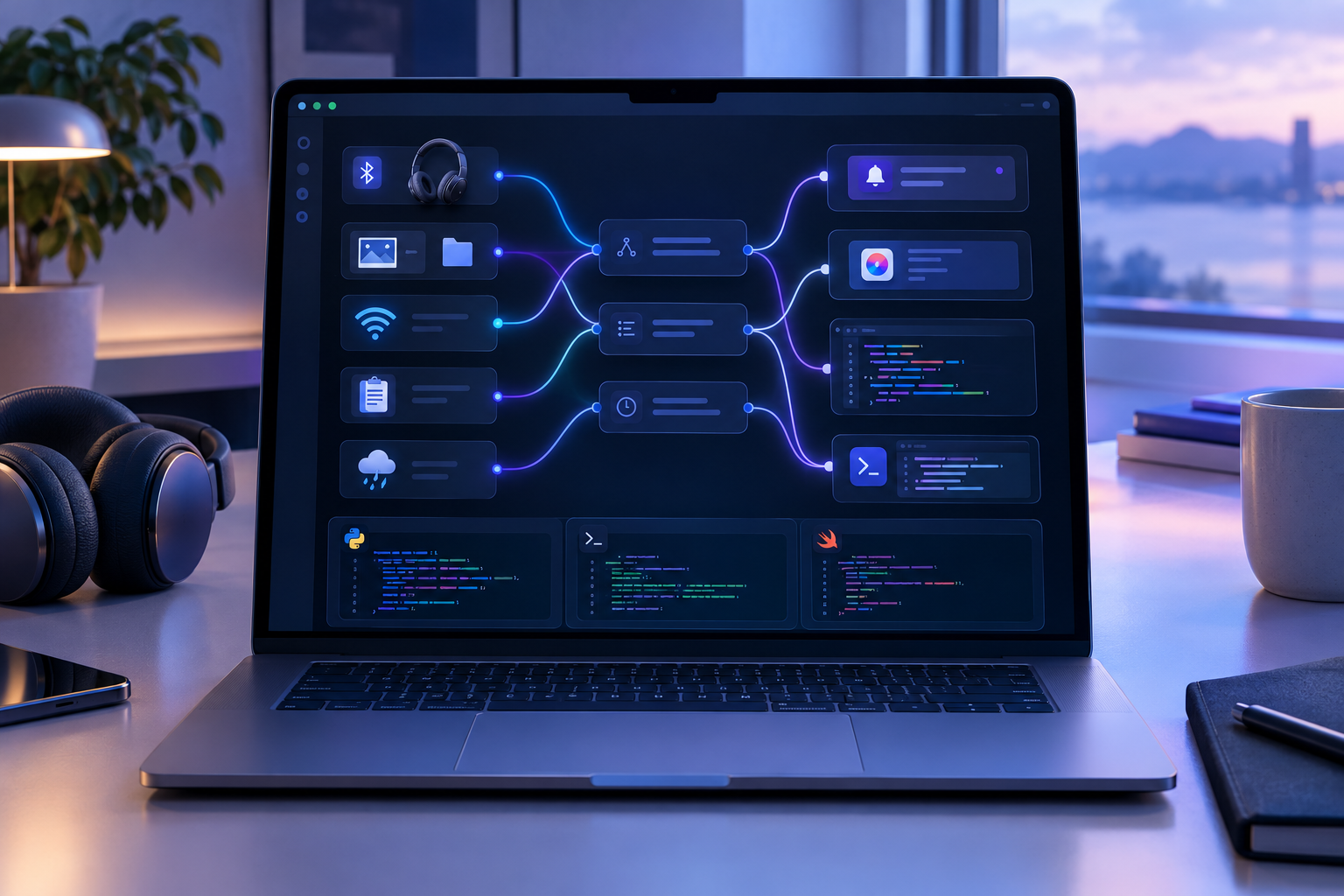
Crank is a macOS program that runs in the background and automatically performs actions in response to system events (“triggers”), such as a notification, a keyboard shortcut, an AppleScript, or a script written in zsh, Python, Ruby, Perl, or Swift. Since I’m interested in automation on macOS and writing scripts, I found Crank’s approach intriguing…
-
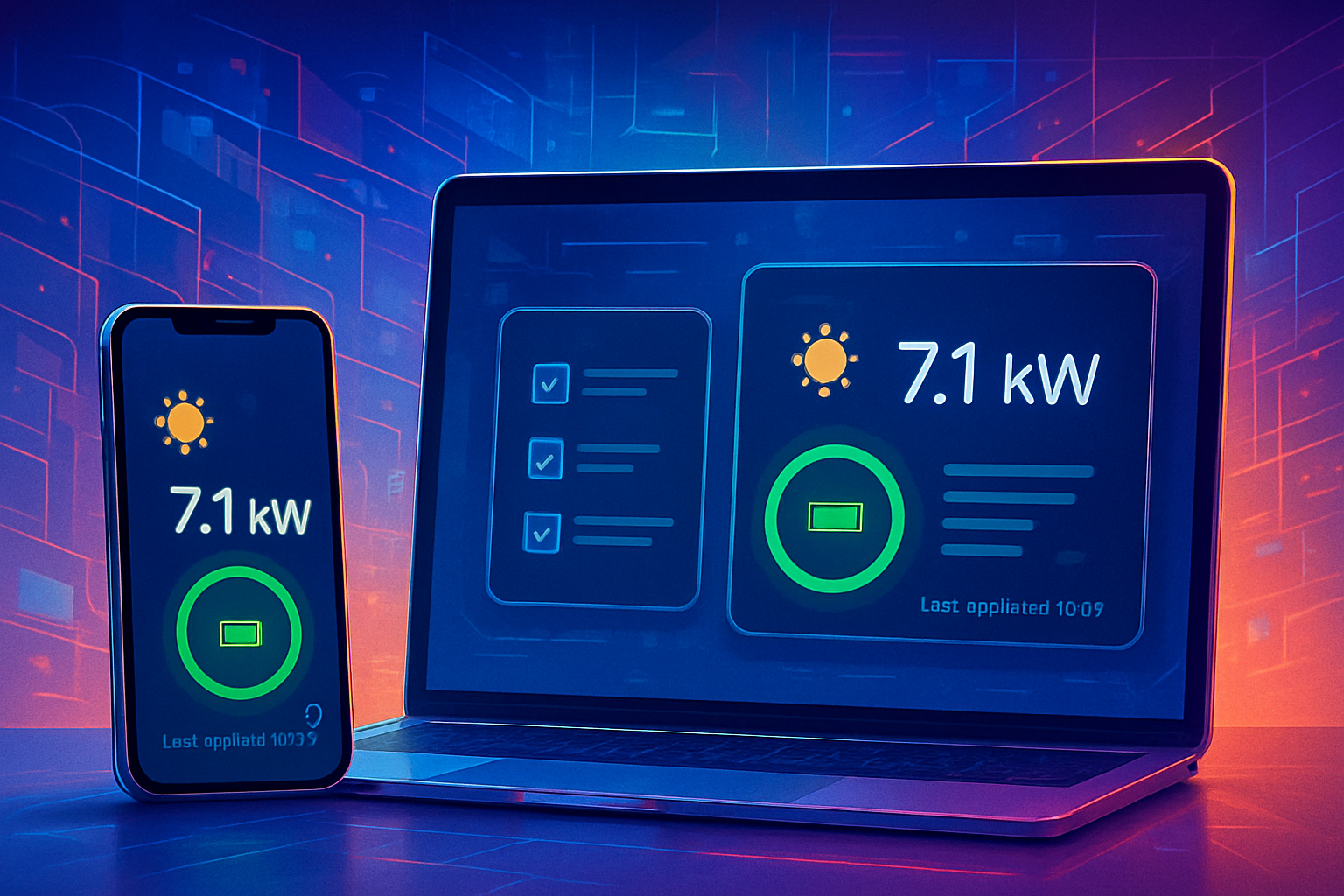
Apple Shortcuts capture states, but showing them as a widget? Not a chance. The beta app "Canvases" by @simonbs@mastodon.social now makes it possible with a few shortcuts actions.
-
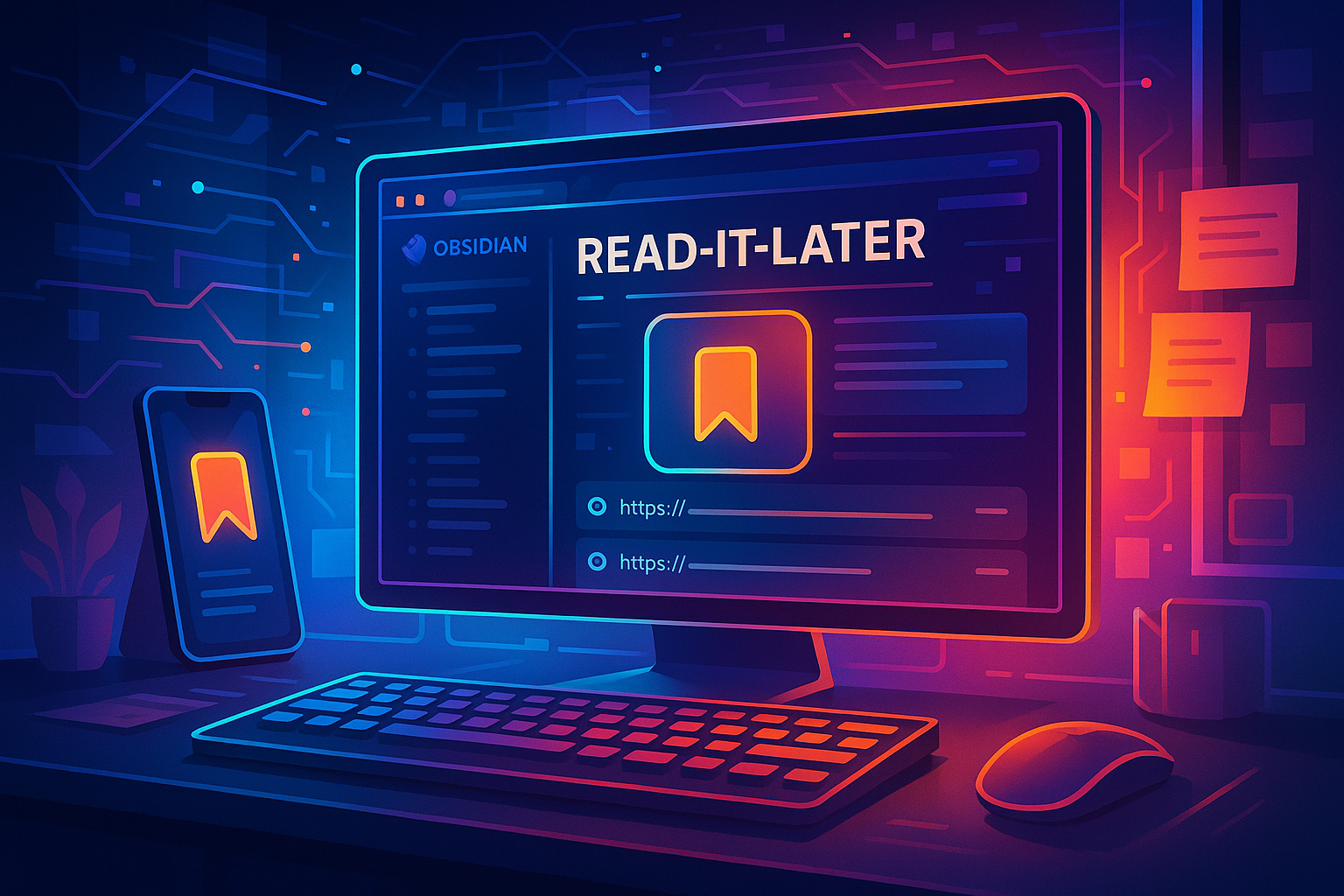
Tired of losing your saved links when read-it-later apps like #pocket shut down? I built my own solution using #Obsidian, #Apple Shortcuts #ActionsForObsidian & a bit of CSS. All bookmarks are local, flexible, and fully in your control!
-

#BarCuts, the latest app from @zottmann.dev, brings context and clarity to the Apple Shortcuts menu on the Mac! Workflows only appear when they make sense. CLI, #Alfred & #Raycast are supported. A must-have for all automation enthusiasts!
-
Learn how to capture selections from any browser and enrich them with your own notes and tags, and seamlessly integrate them into Obsidian using 'Browser Actions' and 'Actions for Obsidian.' Elevate your note-taking workflow
-

Learn how to create a custom input form for your Obsidian notes! 🌟 This guide walks you through designing an HTML form to collect health data and integrate it into Obsidian. Enhance your note-taking workflow and streamline your data entry process! 💻📋
-

Discover how to enhance your browsing experience with practical shortcuts using "Browser Actions" the new app from @czottmann@norden.social 🚀 Streamline your web tasks and interact seamlessly with different browsers.
-
In this post I show how to integrate a remotely running Fabric installation into iOS/iPadOS Shortcuts. With this you can summarize websites with Fabric on the iPad or iPhone.
-

Streamline your workflow by integrating Fabric with Apple Shortcuts! In my latest blog post, I explore how to summarize web pages directly into your Obsidian Vault using custom shortcuts. Perfect for automating tasks across your Apple devices. Dive into the process and try it out and have fun1